Helping an Aging Parent With Their iPhone: A One-Visit Checklist
Do it in this order: make the screen readable, stop calls from unknown numbers, free enough storage that photos and iOS updates work again, clear the inbox, merge duplicate contacts, then set up Medical ID and a recovery contact. That takes about an hour, done together on their phone. If there's time left, save the things that can't be replaced: the handwritten recipe cards, the music they love, and a record of the drives you make to their appointments.
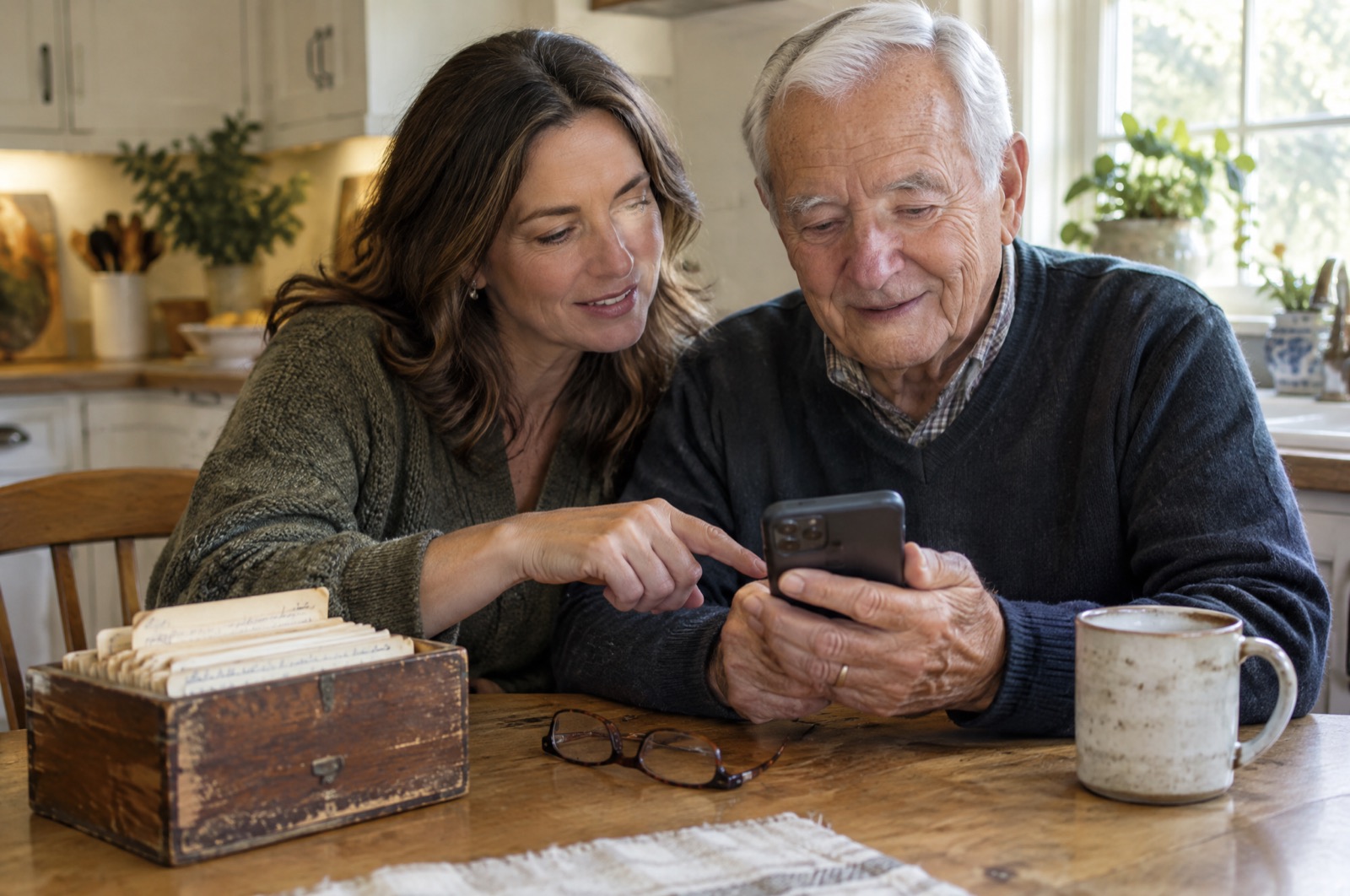
You're visiting this weekend. Mom's phone says storage is full and she can't take a picture of the grandkids. Dad gets four calls a day from "Medicare" and answers every one. The text is too small, there are three of you in Contacts and she called the wrong one, and the inbox has 11,000 unread emails. You have one afternoon, and they don't want a lecture.
This is the order that fixes the most, with the least that can go wrong. Two rules first. Do everything on their phone, with them next to you, so they see what changed and can undo it. And don't delete anything personal without asking. A photo that looks like a duplicate to you may be the only one they have of someone.
1. Make it readable (5 minutes)
Settings menus move between iOS versions, so the reliable way in is the search field at the top of Settings. Type the name of the setting rather than hunting for it.
- Text Size (or Larger Text): drag the slider until they can read a message without glasses. Turn on Bold Text while you're there.
- Display Zoom: choose the larger option to make buttons and icons bigger everywhere, not only text.
- Assistive Access replaces the whole home screen with a few large buttons. It's a real help for someone with memory problems and too much for someone who just needs bigger text. Try it together; don't spring it on them.
2. Stop the scam calls and texts (5 minutes)
Search Settings for Unknown Callers. Depending on the iOS version, it's called Silence Unknown Callers or Screen Unknown Callers. Either way, numbers that aren't in Contacts stop ringing through, and they go to voicemail or get asked who's calling. Then search for Unknown Senders to filter texts from numbers they don't know into a separate list.
Before you turn calls off, make sure the people who should get through are saved in Contacts: the doctor's office, the pharmacy, the pharmacy's automated refill line, the neighbor, and you. A blocked call from the cardiologist is worse than a scam call.
Tip: Agree on one rule out loud: "If anyone calls or texts about your bank, Medicare or a package, hang up and call me." Settings filter most scams. That rule covers the ones that get through.
3. Free up storage so photos and updates work (15–20 minutes)
A parent's phone fills up differently from yours. It's rarely apps. It's years of photos and videos that family group chats saved automatically, the same grandkid video forwarded by three relatives, screenshots they took by accident, and message attachments nobody ever deletes. When the phone is full, it stops taking photos and can't install the iOS update that has the security fixes.
Open Settings › General › iPhone Storage to see what's actually big. If WhatsApp is near the top, our guide to clearing WhatsApp media shows how to remove the forwarded videos without losing the chats. If an update is blocked, not enough storage to update iOS covers the exact space it needs.
Rather sort the photos in one pass? Phone Diet groups duplicates, near-identical shots, large videos and screenshots so you can go through each group together and choose what goes. The first cleanup is free up to 1 GB.
Whatever you delete goes to Recently Deleted in Photos and still uses space for about 30 days. Empty it once they're happy with what's gone, or the phone stays full. Here's how.
4. Clear the inbox (10 minutes)
Eleven thousand unread emails aren't only messy. They're where phishing hides, because the fake "your account is locked" email looks like the hundred real ones around it. Unsubscribe from the store and charity newsletters that make up most of the pile, and then the few real emails stand out.
Phone Diet's email cleaner works with Gmail, iCloud, Outlook, Yahoo and other IMAP inboxes. It groups mail by sender so you can unsubscribe and delete in batches. How the email cleaner works.
5. Merge duplicate contacts (5 minutes)
When an iPhone syncs contacts from iCloud and Gmail at the same time, everyone appears twice, and one copy has an old number. That's how a parent ends up calling the wrong "Sarah". Open Contacts first: recent iOS versions show a Duplicates Found card at the top that merges them. It misses near-duplicates with different spellings, which our duplicate contacts guide covers.
6. Set up the safety net (10 minutes)
- Medical ID (search Settings, or open the Health app): medications, allergies, conditions and emergency contacts, readable from the lock screen by paramedics. Turn on Show When Locked.
- Emergency SOS: check that the emergency contacts are current. They're the people who get a text with the location if SOS is triggered.
- Recovery Contact: you, so you can help them back into their Apple Account if they forget the password. It doesn't give you access to their data.
- Legacy Contact: lets a named person request access to their photos and data after they die. It's an uncomfortable conversation, but without it the family photos in iCloud can be very hard to get to.
If there's time left: save what can't be replaced
The steps above fix the phone. These three are the ones families say they wish they'd done sooner.
The recipe cards
Every family has a box like the one in the photo: index cards in handwriting that's fading, with grease marks and notes in the margins. Scanning them is a nice thing to do together, because they'll tell you what "a scant cup" and "bake till done" actually mean, and that's the part the card doesn't say. How to scan handwritten recipe cards so the cursive reads walks through it. RecipeScan, which we also make, has a Card mode that turns a photo of a handwritten card into an editable recipe and keeps the wording as written. Check every number afterwards, because a handwritten 1 and 7 are easy to mix up. The free plan includes a limited number of scans each week, so a whole box is a job for a few visits.
The music they love
Music from someone's late teens and twenties stays with them, and hearing it can bring back memories when little else does. Make them a playlist of the songs they grew up with, saved on their home screen so it's one tap to play. If they're in their seventies or eighties, this list of the best 60s songs, from Motown to Woodstock is a good place to start, and Trending Music (also ours) is free: search any song and add it to a playlist. Then ask which songs are missing. That conversation is half the point.
The drives to their appointments
If you've become the one who drives them to the doctor, the pharmacy and physical therapy, those miles may count as a medical expense. In the US, the 2026 medical rate is 20.5¢ a mile through June 30 and 23.5¢ from July 1, plus parking and tolls. There are three conditions, and most families won't meet all of them.
- You itemize deductions.
- Your parent counts as your dependent for medical expenses. IRS Publication 502 allows this in some cases where their income is too high for you to claim them as a dependent.
- Your total medical costs, theirs and yours, go over 7.5% of your adjusted gross income. Only the amount above that line is deductible.
Paying for in-home care or assisted living is the usual way families clear that line. If that's you, keep a log from the first drive. TaxMiles' guide to medical and charity mileage explains the rules. TaxMiles, which we also make, records drives automatically and has a Medical category at the IRS medical rate. If none of the three conditions fit you, skip this one. A log you can't deduct isn't worth keeping.
What to leave alone
Don't reorganize their home screen beyond what they asked for, don't change their passcode, and don't turn on features they didn't ask for just because you use them. The phone has to make sense to them when you're gone. Write the three things you changed on a card next to the phone, and come back to the rest next visit.
Clear the clutter in one sitting
Phone Diet finds the duplicate photos, big videos, screenshots and inbox clutter on a parent's iPhone and lets you choose together what goes.
Get Phone Diet Free