How to Delete the Shopping Apps You Got for Black Friday (Without Losing Your Orders)
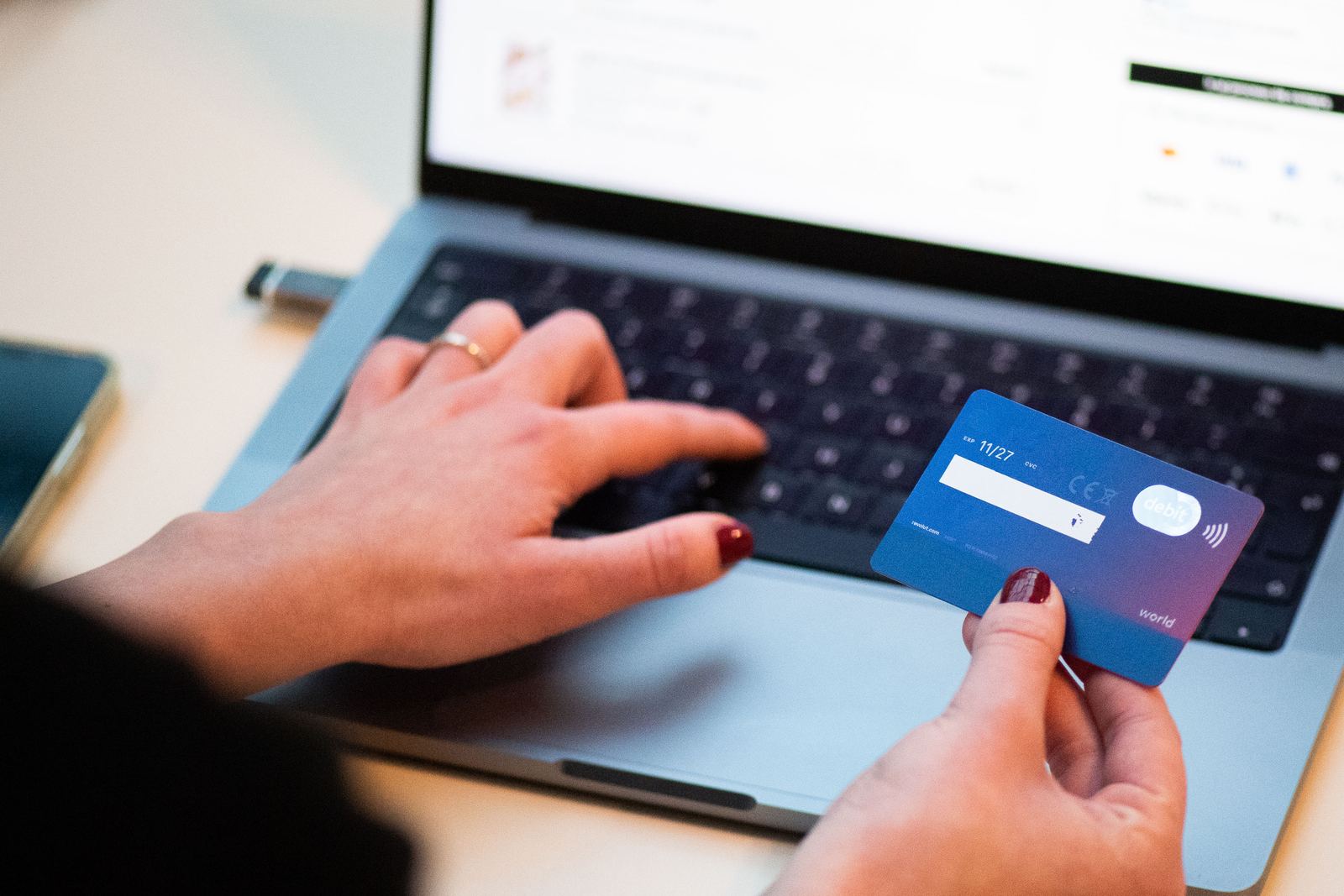

You can delete a store's app as soon as you've checked out. Deleting it doesn't cancel your order, your return, your account or a paid membership; those live with the store. First screenshot any return QR code or app-only coupon, delete your account inside the app if you want it gone, then touch and hold the icon, tap Remove App, Delete App, Delete.
This is for the week after Black Friday (November 27, 2026) and Cyber Monday (November 30), when your phone has four new store apps, each one buzzing with "last chance" alerts, and two of your orders still haven't shipped. You want the apps gone but you're not sure what breaks if you delete them. The steps follow Apple's iPhone User Guide on deleting apps, Apple's iPhone storage article and Apple's account deletion rule for developers, checked on November 26, 2026.
Will deleting the app cancel my order or my return?
No. An order is attached to your account with the store, not to the copy of the app on your iPhone. Apple's guide says deleting an app removes it and its data from your iPhone; it doesn't reach the store's servers.
| When you delete a store's app | What happens |
|---|---|
| Orders already placed | Still ship. Track them from the confirmation email or the store's website. |
| Your account and order history | Stay with the store until you delete the account. |
| Paid memberships and subscriptions | Keep billing. Cancel them separately (see below). |
| Push notifications | Stop, because the app is gone. |
| Marketing emails and texts | Keep coming. They're tied to your email and number. |
| Anything saved only inside the app | Gone from your phone. Save it first. |
That last row is the one to check. Before you delete, open the app once and look for:
- Return QR codes or labels for anything you plan to send back. Screenshot them, or wait until the return is dropped off.
- App-only coupons, rewards or gift card balances you haven't used. Whether those show on the website too depends on the store; we can't check every one, so look before you delete.
- Order numbers for orders that came without a confirmation email. A screenshot is enough.
Screenshots pile up fast this time of year. Once the returns are done, here's how to deal with the screenshots you meant to keep.
Does deleting a shopping app delete my account?
No. Your account, saved addresses and order history stay with the store whether the app is on your phone or not. If you want the account gone, delete it inside the app first.
Apple's rule for developers says apps on the App Store that support account creation "must also let people initiate deletion of their account within the app," and that only offering to deactivate the account isn't enough. So the option should be there, usually under Account, Settings or Privacy. Apple also notes that a company may keep some data it's legally required to keep, such as purchase records.
Most people don't need to delete the account. If you might shop there again next November, just delete the app.
How do I delete the app from my iPhone?
Touch and hold the app icon, tap Remove App, tap Delete App, then tap Delete. Apple's iPhone User Guide lists exactly those steps.
- Touch and hold the app on the Home Screen or in App Library.
- Tap Remove App, then Delete App.
- Tap Delete to confirm.
Don't tap Remove from Home Screen by mistake: that only hides the icon, and the app stays on your phone in App Library. Apple also says it may take a moment for available storage to update after you delete.
To find all of them at once, go to Settings > General > iPhone Storage. Apple says that screen lists your apps and how much storage each one uses, so the store apps you installed this week are easy to spot. Tap one to see the Offload App and Delete App buttons.
Tip: Changed your mind in January? Apple says you can redownload apps you got from the App Store without buying them again. Sign back in and your orders are there, because they were never stored in the app.
Should I offload the app instead of deleting it?
Offload the stores you shop at all year; delete the ones you only installed for a deal. Apple says offloading frees the storage the app uses but keeps its documents and data, while deleting removes the app and its related data.
With a shopping app, almost nothing you care about is stored on the phone, so the difference is small. We compare the two buttons in more detail in how to offload unused apps on iPhone.
Can I keep the app but stop the notifications?
Yes. Go to Settings > Notifications, tap the app, and turn off Allow Notifications. That's Apple's path in the iPhone User Guide, and it silences the "deal ends in 2 hours" alerts without touching your account.
If you still want shipping updates, use Scheduled Summary instead: Settings > Notifications > Scheduled Summary, turn it on, pick the times, then switch on the store apps you want bundled. Apple describes it as a way to get notifications from several apps at once, a few times a day, instead of one by one.
What about memberships and subscriptions I signed up for?
Deleting the app doesn't stop them. Cancel each one where you're billed for it.
- Billed through Apple (you paid with your Apple Account in the app): go to Settings, tap your name, tap Subscriptions, tap the subscription and tap the cancel option. Apple's cancel a subscription article says that if there's no cancel option, it's already canceled.
- Billed by the store (a free-shipping membership or a free trial on your card): it won't appear in that Apple list. Cancel it in your account on the store's website or in the app, before you delete the app.
Not canceling today? A 30-day free trial started on Black Friday, November 27, ends around December 27, so put a reminder in your calendar a few days before.
Why do the store's texts and emails keep coming after I delete the app?
Because you gave the store your email and phone number, not just the app. Those messages stop only when you opt out of each one.
- Texts from a store you signed up with: most marketing texts include the way to opt out, often replying STOP. Use what the message says.
- Texts you don't recognize: the FTC's spam text guide says don't click links in unexpected texts, and forward spam to 7726 (SPAM) so your carrier can block similar messages.
- Sorting the rest: Apple's unknown senders article for iOS 26 says Messages can sort texts from unknown senders into Transactions and Promotions. In Messages, tap the Filters button, tap Manage Filtering, then turn on Text Message Filter.
- Emails: unsubscribe from the stores you don't buy from, but keep the order and shipping emails until returns close. Our Black Friday email cleanup that keeps receipts walks through it.
Inbox flooded by the same five stores? Phone Diet's Email tab lists senders by how much they sent, so you can see who's behind the pile and clear them in one place.
Where Phone Diet helps, and where it doesn't
Full disclosure: we make Phone Diet. It can't delete apps, offload them, turn off notifications, cancel memberships or stop texts. iOS doesn't let one app remove or change another, so everything above is done in Settings or in the store's own app.
Where it helps is the mail that keeps coming after the apps are gone. Its Email tab works with Gmail, iCloud Mail, Outlook, Yahoo, AOL and other IMAP accounts, lists senders by volume, and for Gmail lets you protect keywords such as "order" or "tracking" so a cleanup skips those emails. Scanning is free and your first cleanup (one sender, up to 1 GB) is free; after that, cleaning is part of Premium. It doesn't track packages or read your orders.
Who it's not for: if you installed two store apps and get a few emails a week, the steps above and the Unsubscribe link in Mail are all you need.
Questions people ask
If I delete a store's app, will my order still arrive?
Yes. The order belongs to your account with the store, not to the app on your phone. Deleting the app only removes the app and its data from your iPhone. You can still track the order from the confirmation email or by signing in on the store's website.
Does deleting a shopping app delete my account?
No. Your account, saved addresses and order history stay with the store. Apple requires App Store apps that let you create an account to also let you start deleting that account inside the app, so if you want the account gone, do that before you delete the app.
Can I get a shopping app back after I delete it?
Yes. Apple says you can redownload apps you got from the App Store without buying them again, as long as the app is still available. Sign back in and your orders are there, because they were saved to your account, not the app.
Should I offload or delete a shopping app?
Delete it if you're done with that store. Offload it if you shop there often. Apple says offloading frees the storage the app uses but keeps its documents and data, while deleting removes the app and its related data.
How do I stop shopping app notifications without deleting the app?
Go to Settings > Notifications, tap the app, and turn off Allow Notifications. If you still want the occasional delivery update, add the app to a Scheduled Summary instead, which bundles its notifications into a few set times a day.
Apps gone, but the store emails aren't?
Phone Diet's Email tab shows which stores send you the most so you can clear them in one place. On Gmail it can skip anything with "order" or "tracking" in it. The scan is free.
Get Phone Diet on the App Store