How to Stop Political Texts and Emails on Your iPhone
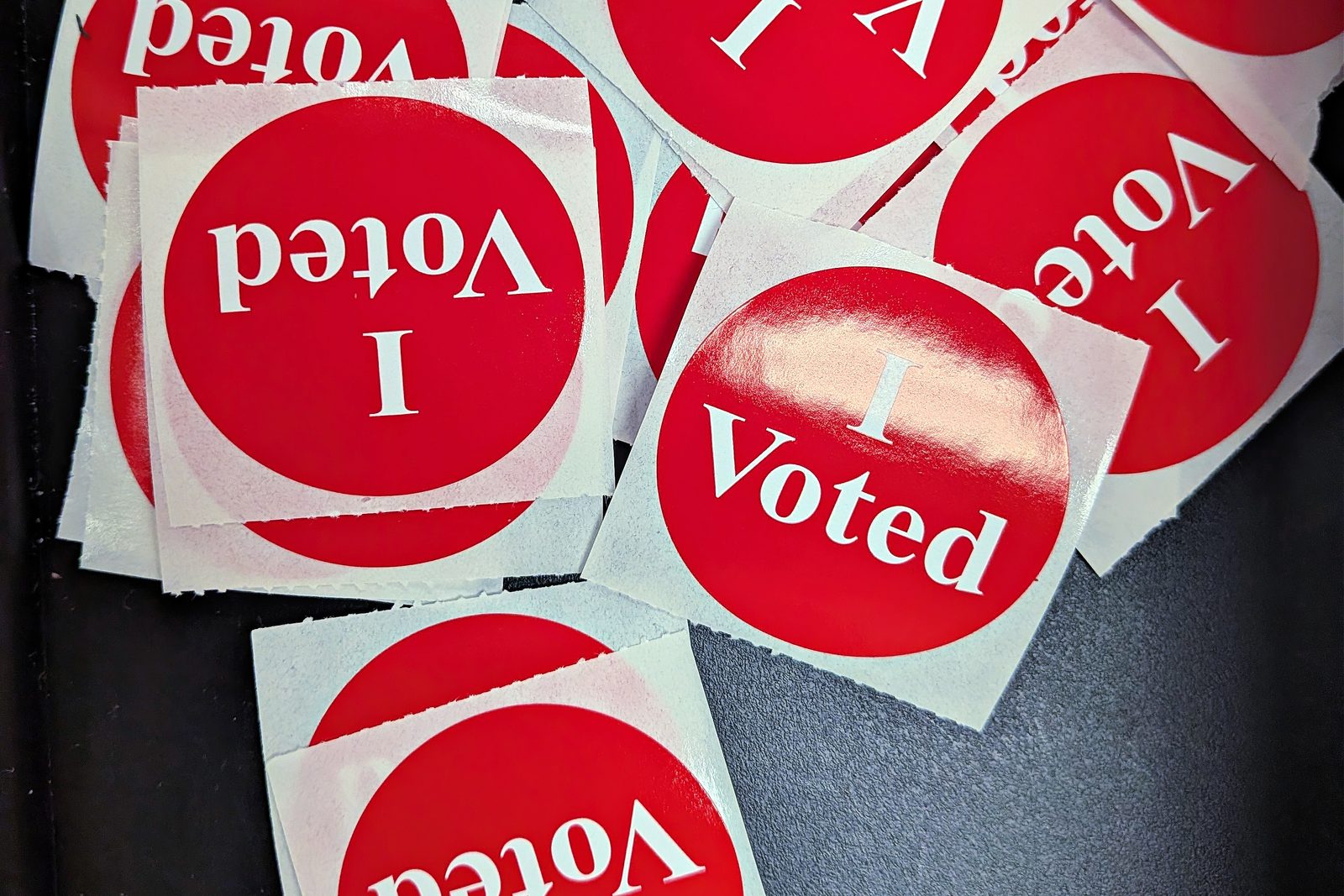
The midterms are on Tuesday, November 3, and your phone knows it. Texts from candidates you've never heard of, "final deadline" fundraising emails five times a day, a poll from a number in another state. Here's the short answer: reply STOP to campaigns you recognize, report the rest as spam without replying, and turn on Screen Unknown Senders in Messages so new numbers stop buzzing your phone. For email, unsubscribe from each list, then block or mark as spam whatever keeps coming. Steps for each are below.
This works whoever the texts are from. It's about volume, not party.
Why the Do Not Call list doesn't help
The FCC says it plainly: campaign calls and texts are exempt from the National Do Not Call Registry. What does apply is the Telephone Consumer Protection Act, and under it:
- Texts sent with an autodialer to your cell phone need your prior express consent.
- Texts sent manually, one by one by a person or a volunteer, can be sent without your consent. That's why so many campaign texts arrive from real-looking local numbers with a first name attached.
- Where consent is required, you can withdraw it any reasonable way, including replying "stop", and the sender has to honor it. The FCC adds that campaigns should honor a STOP reply.
Source: the FCC's Political Campaign Robocalls and Robotexts Rules.
Where did they get your number? Often from public voter records, or from a petition, donation or sign-up form you filled in, which then gets shared between campaigns and committees. So one STOP ends one sender, not the whole flood. You'll need the filtering steps too.
Step 1: Decide, per text, STOP or Report
You can't do both. Apple's guide says you can't report a message after you've replied to it. So sort as you go:
- A campaign or group you recognize (you donated, signed something, or know the candidate): reply STOP. It's the cleanest way off that list.
- A sender you've never heard of, or a text pushing a link: don't reply and don't tap the link. Report it instead.
To report a text in Messages: if you haven't opened it, swipe left on it, tap the delete button, then tap Delete and Report Spam. If you've opened it, tap the Report Spam link at the bottom of the message, then Delete and Report Spam. Reporting doesn't stop that number from texting again, so for a repeat sender also tap their icon at the top of the conversation, tap Info, and tap Block Contact. Source: Apple's Report spam and block senders in Messages.
You can also forward a spam text to 7726 (it spells SPAM), which goes to your carrier so they can block similar messages. The FTC recommends it in How To Recognize and Report Spam Text Messages. If you think a text broke the FCC rules above, you can file a complaint at fcc.gov/complaints.
Tip: Election season is also scam season. A text saying your polling place moved, your registration has a problem, or a donation "failed" is a reason to check with your state or local election office directly, through vote.gov, not through the link in the text.
Step 2: Stop unknown numbers from buzzing your phone
Most campaign texts come from numbers that aren't in your contacts. Screening sends them to a separate folder, and you don't get a notification for them unless you choose to.
On iOS 26 and later:
- Open Messages.
- In the conversation list, tap the Filter button, then tap Manage Filtering.
- Turn on Screen Unknown Senders.
- Optional: tap Allow Notifications and turn on the categories you still want alerts for, such as verification codes, so sign-in codes and delivery texts aren't silenced. Options vary by country.
To look at what was screened, tap the Filter button again, then Unknown Senders. Open a real one and tap Mark as Known to move that sender back to your main list. Source: Apple's Screen and filter text messages on iPhone.
On iOS 18: go to Settings > Apps > Messages, scroll to Message Filtering, and turn on Filter Unknown Senders.
One catch from Apple's own note: text message filtering doesn't apply to any sender you've replied to three times or more. If you've been arguing with a campaign volunteer, block that number instead.
Who shouldn't do this: if you're expecting texts from numbers you don't know, like a new doctor's office, a contractor, or a school, screening hides those too. Check the Unknown Senders folder every day or two, or allow the notification categories you need.
Step 3: Unsubscribe from campaign email, then block what keeps coming
Email works differently. The CAN-SPAM Act, with its rule that senders honor an opt-out within 10 business days, covers commercial email, meaning messages whose primary purpose is advertising a product or service (see the FTC's CAN-SPAM compliance guide). Campaign and fundraising email generally isn't commercial, so that deadline may not apply. Unsubscribing is still the right first move. Here's the order:
- Unsubscribe. In Apple Mail, mailing-list messages show a banner at the top with an Unsubscribe button. In the Gmail app, look for Unsubscribe next to the sender's name at the top of the message. If neither appears, use the link at the bottom of the email.
- Block what comes back. In the Gmail app, open the message, tap More (the three dots next to Reply), then Block "sender". Google says all future mail from that address goes to Spam (Gmail Help). In Apple Mail, tap the sender's name at the top of the message and choose Block this Contact.
- Mark lists you never joined as spam. That teaches your mail provider to filter similar mail.
Expect new senders to show up after you unsubscribe from old ones, since lists are shared between committees. Each unsubscribe still cuts the volume.
Step 4: After November 3, clear out the backlog
A month of campaign mail can mean hundreds of emails, and some of them carry big images. Once the election is over:
- Gmail: search for the campaign's name or sending domain, select all results, and delete. Deleted mail sits in Trash for 30 days before Gmail removes it.
- Messages: swipe left on each campaign conversation and delete it. If you used Screen Unknown Senders, most of them are already together in the Unknown Senders folder.
Our Gmail cleanup guide has the search operators that make this fast, like older_than: and from:.
Where Phone Diet helps, and where it doesn't
We make Phone Diet, so here's what its Email tab does for this job, checked against the app's code.
- It lists every mailing list in one place. It scans the inbox for mail with an unsubscribe header and groups it by sender address, with a count for each, so the campaigns sending you 40 emails a week are at the top. It works with Gmail, iCloud Mail, Outlook, Yahoo, AOL and other IMAP accounts.
- It unsubscribes for you where the email allows it. When a sender supports one-click unsubscribe, the app does it directly. Otherwise it sends the unsubscribe email the sender asks for (with Gmail; for other accounts it hands that email to the Mail app), or opens the sender's unsubscribe page for you to finish. Unsubscribing deletes nothing. The app then asks whether to also delete that sender's existing emails, which go to Trash.
- It respects what you protect. For Gmail, starred mail and mail matching your protected keywords never feed an unsubscribe row.
What it won't do: it can't touch your text messages. No App Store app can read or delete your Messages, so Steps 1 and 2 are on you. Mail without an unsubscribe header won't appear in its unsubscribe list (the app tells you how many it skipped). And it doesn't know which campaigns you support. That choice stays yours.
What costs money: scanning your inbox and seeing the senders is free. Unsubscribing and deleting mail in the app need Premium. If you only have a few campaign lists, you don't need an app: the Unsubscribe banner in Mail or Gmail does the same job, one email at a time.
Quick answers
Is it legal for campaigns to text me without permission?
Texts sent by hand, yes. Autodialed texts to a cell phone need your prior consent, per the FCC. Either way, the Do Not Call Registry doesn't cover campaign texts.
Should I reply STOP?
To a campaign you recognize, yes. To an unknown sender or a text with a link, report it as spam instead. You can't report it after replying.
Will Screen Unknown Senders hide my verification codes?
It can. Tap Allow Notifications in Manage Filtering and turn on the categories you need, or check the Unknown Senders folder when you're expecting a code.
See which campaigns are filling your inbox
Phone Diet scans Gmail, iCloud, Outlook, Yahoo and AOL and lists every mailing list by how much it sends, for free. Unsubscribing from them all in one place is part of Premium.
Get Phone Diet on the App Store