How to Leave a Group Text on iPhone (and What to Do When You Can't)
Someone started a "Thanksgiving 2026" group text with 14 relatives, and your phone has buzzed 80 times since lunch. The short answer: open the group, tap the group icon at the top, scroll down and tap Leave This Conversation. If that option isn't there, you can't leave. Apple only allows it when the group has at least three other people and everyone uses iMessage on an Apple device. In that case, turn on Hide Alerts so the thread stays but stops buzzing.
That rule is why so many people can't find the button. One cousin on Android turns the whole thread into a green-bubble group (SMS, MMS or RCS), and green-bubble groups have no leave option at all. The steps below follow Apple's Leave a group text message thread article (updated August 2026) and the iOS 27 iPhone User Guide. They're the same on iOS 26.
First, check which kind of group it is
Look at the bubbles and the text field.
- Blue bubbles, and the text field says iMessage: everyone is on iMessage. If there are at least four of you (you plus three others), you can leave.
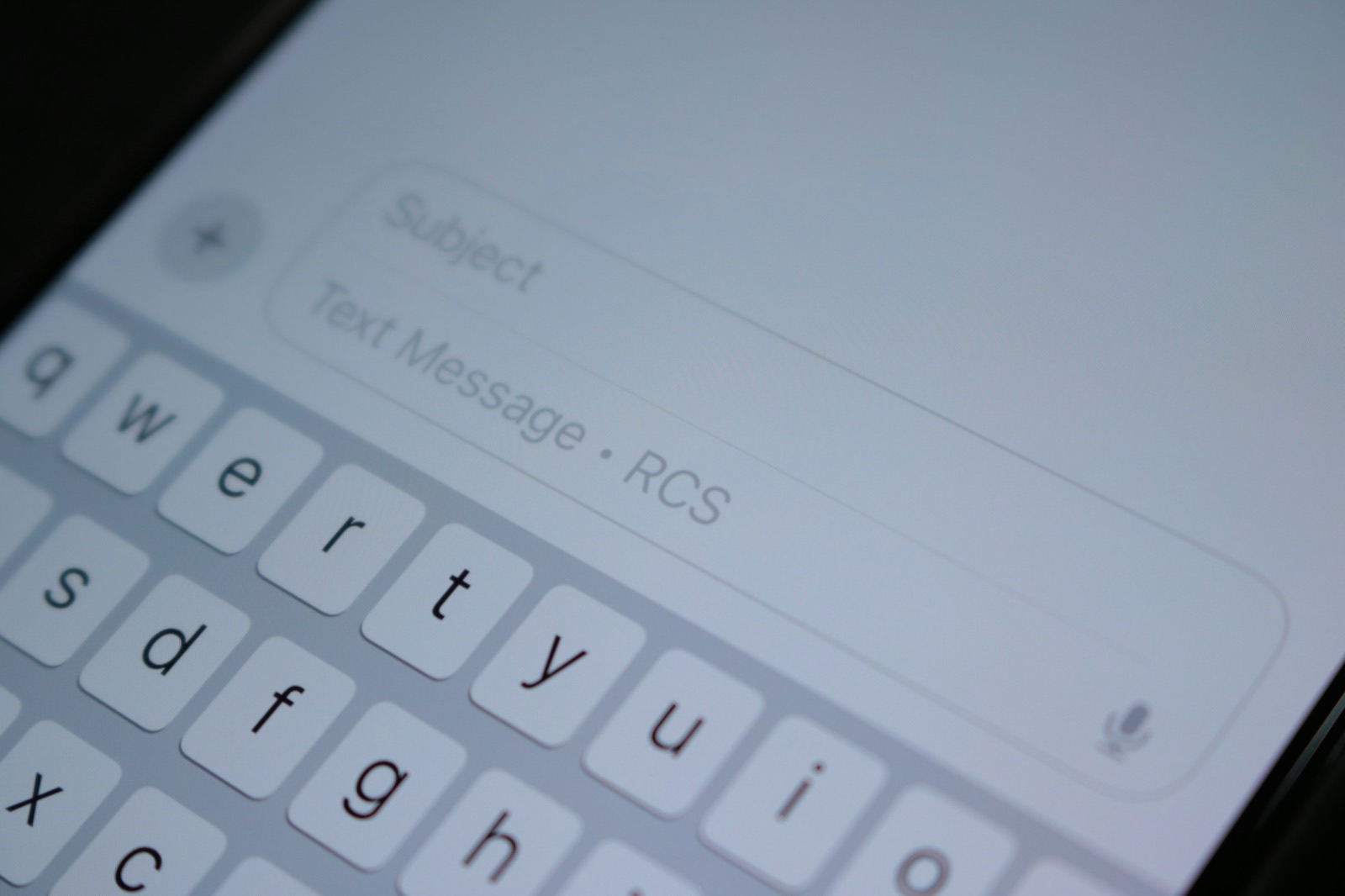
- Green bubbles, or the text field says Text Message, SMS or RCS: at least one person isn't on iMessage. You can't leave. Skip to muting.
- Only you and two other people: you can't leave even if it's all iMessage, because Apple needs at least three other people in the thread.
How to leave a group text (blue-bubble groups)
- Open Messages and tap the group conversation.
- Tap the group icon or the row of contact pictures at the top.
- Scroll down and tap Leave This Conversation, then confirm.
You stop getting new messages from the group, and the others see a note in the thread that you left. Your copy of the old messages stays on your phone until you delete it.
You'll often see a second option right under it: Delete and Block This Conversation. That one is meant for spam groups from strangers. Apple's guide says blocked conversations go to Recently Deleted, where you can still recover them. Don't use it on Aunt Linda's group unless you want to block the people in it too.
Tip: If the group was for a shared project (a Notes checklist or a shared file you were invited to through Messages), Apple notes you may keep access to the project after you leave. The app that hosts it controls who can see it, not the thread.
When Leave This Conversation is missing: mute it
For green-bubble groups, or any group you want to stay in quietly, use Hide Alerts. The messages still arrive. Your phone just stops making noise and lighting up for that one thread. Apple's guide to muting a conversation gives two ways:
- In the Messages list, swipe left on the group and tap the bell button.
- Or open the group, tap the icon at the top, and turn on Hide Alerts.
A small crossed-out bell appears next to the thread so you know it's muted. Your other texts still notify you as normal. Two things worth knowing before you mute:
- People can tell. Apple says senders receive a note that you have notifications silenced. It doesn't say you muted them, but it's not invisible.
- Mentions can still get through. If someone types your name as a mention, you may still be notified. To change that, go to Settings > Apps > Messages and turn Notify Me on or off. Leaving it on is handy: you'll hear about "@you, can you bring the rolls?" without the other 79 messages.
Other ways out of a green-bubble group
There's no button, but there are two polite workarounds:
- Ask whoever started it to start a new group without you. In a group with a non-iMessage member, the people in it can't be changed. Apple's guide says that even adding someone means starting a new group. A new thread is the only way to change who's in it.
- Remove the noisy part instead of you. In a blue-bubble group, Apple lets you touch and hold someone's icon at the top and tap Remove from Group. Useful when a work group has outlived the person who left the company. It doesn't work in green-bubble groups.
What doesn't work: deleting the conversation. Apple says deleting only affects your own devices. You're still in the group, so the next message from anyone brings the whole thread back. And you can't block a group. Apple's blocking guide says to leave it or stop its notifications instead. Blocking one relative blocks them in Phone, FaceTime and Mail too, which is rarely what you want over a turkey thread.
If the group is from numbers you don't know (fundraising texts, "deals", a wrong-number group), that's spam, not family. Use Delete and Report Spam, and turn on unknown-sender screening. Our guide to stopping campaign texts walks through both.
Then clear what the group left on your phone
A lively family group sends a lot of photos and videos, and every one of them is saved inside Messages on your iPhone. After the holidays it's worth clearing them out, whether you left the group or just muted it. From Apple's guide to deleting messages and attachments:
- Open the group and tap the group icon at the top.
- Tap a category such as Photos.
- Tap Edit, then Select, tap the ones you don't need, and tap the trash button.
Save any keepers first: touch and hold a photo in the thread and save it to your library. Deleted messages and attachments sit in Messages' own Recently Deleted for up to 30 days. To free the space now, go back to the conversation list, tap the filter button at the top, tap Recently Deleted and delete them there. That part can't be undone.
To find which threads are the biggest across all of Messages, use Settings > General > iPhone Storage > Messages. Our full guide to deleting old texts and their attachments covers that screen and the Keep Messages setting that stops threads piling up.
What Phone Diet can and can't do here
Full disclosure: we make Phone Diet. It can't help you leave or mute a group, and it can't see or delete anything inside Messages. Apple doesn't let any app do that. Everything above happens in Messages and Settings, for free.
Where it helps is afterwards, in your photo library. The photos you saved from the group often arrive as near-copies of each other (four versions of the same table shot), plus screenshots people sent of recipes and flight times. Phone Diet's Similar Photos, Duplicates and Screenshots scans find those in the Photos app on your iPhone. The scan is free, and your first cleanup of up to 1 GB is free; after that it needs Premium.
Who it's not for: if you only want the buzzing to stop, you don't need an app. Hide Alerts takes five seconds.
Questions people ask
Why can't I leave a group text on my iPhone?
Apple only shows Leave This Conversation when there are at least three other people and everyone is on iMessage with an Apple device. One Android phone, or an SMS, MMS or RCS thread, removes the option. Mute it instead.
Does the group know if I leave?
Yes. The others see a note that you left. Muting is quieter, though Apple says senders get a note that you have notifications silenced.
If I delete the group text, am I out of the group?
No. Deleting only removes your copy. The next message brings the thread back.
Can I block a group text on iPhone?
Not as a group. Leave it or mute it. For spam groups from strangers, use Delete and Report Spam, or Delete and Block This Conversation.
Will I still get notified if someone mentions me in a muted group?
You can. Settings > Apps > Messages > Notify Me controls it.
Saved too many photos from the family group?
Phone Diet finds the near-identical shots and screenshots in your iPhone's photo library so you can keep the best one and clear the rest.
Get Phone Diet on the App Store